
Railway Ticket Online Registration 2026: Step-by-Step Guide
Railway ticket online registration is the one-time step you must finish before you can buy any intercity train ticket in Bangladesh, on eticket.railway.gov.bd or in the Rail Sheba app. It is free, takes about five minutes, and links your account to your own NID, birth registration or passport.
This railway ticket online registration guide walks you through every step, explains the rules for teenagers and foreigners, and shows how to fix the errors people hit most, such as an NID that will not verify or an OTP that never arrives. It also covers changing your mobile number and keeping your account safe. We checked everything again in October 2026.
Quick answer: Open eticket.railway.gov.bd or the Rail Sheba app and tap Register. Enter your mobile number, your NID (or birth registration or passport) and your date of birth exactly as printed on the ID. Add your name, email and a password, then type the code sent to your phone. Only one account is allowed per NID.
Railway Ticket Online Registration at a Glance
Here are the key facts about railway ticket online registration in one place.
| Question | Answer |
|---|---|
| Where to register | eticket.railway.gov.bd or the Rail Sheba app |
| Cost | Free |
| Who must register | Everyone buying an intercity ticket, online, in the app or at a counter |
| ID for adults | National ID card (NID) |
| ID for ages 12 to 18 | Birth registration number, or a parent’s account |
| ID for foreigners | Passport number plus a photo of the passport |
| Accounts per NID | One |
| How the NID is checked | Against the Election Commission database |
| Verification code | Sent by SMS to your mobile |
| Help | Hotline 131, [email protected] |
Once registered, you can book up to 4 seats per journey, up to 10 days ahead. Online sales open at 8:00 AM every day. Your Bangladesh Railway registration stays linked to your ID for every future trip.
Why Bangladesh Railway Registration Became Compulsory
Before 2023, many tickets were bought with no real ID check. Railway ticket online registration changed that. Registration with a verified ID opened on 16 February 2023 and became compulsory for intercity tickets on 1 March 2023. The railway’s slogan for the rule was “the ticket belongs to the person who travels”. The goal was to stop black-market sales and make it easier to fine people travelling without a valid ticket.
The rule covers counter, website and app buyers alike. Local trains were left out at the start. About 400,000 people registered online in the first 15 days, according to the railway minister at the time.
Ticket checkers now use handheld point-of-sale machines linked to the central system. They can see whether a ticket is genuine and whether it was bought in the traveller’s name. If your ID does not match the ticket, you can be treated as travelling without a ticket.
What Registration Does Not Do
Registering does not hold a seat for you or guarantee a ticket. You still have to buy during the sale window, and popular trains can sell out within minutes. It also does not allow you to buy tickets for other people to travel without you.
What You Need Before You Start
Keep these ready before you start your railway ticket online registration. It saves time and avoids most errors.
- A mobile number you use every day. The code comes to this number, and you need the phone when you travel.
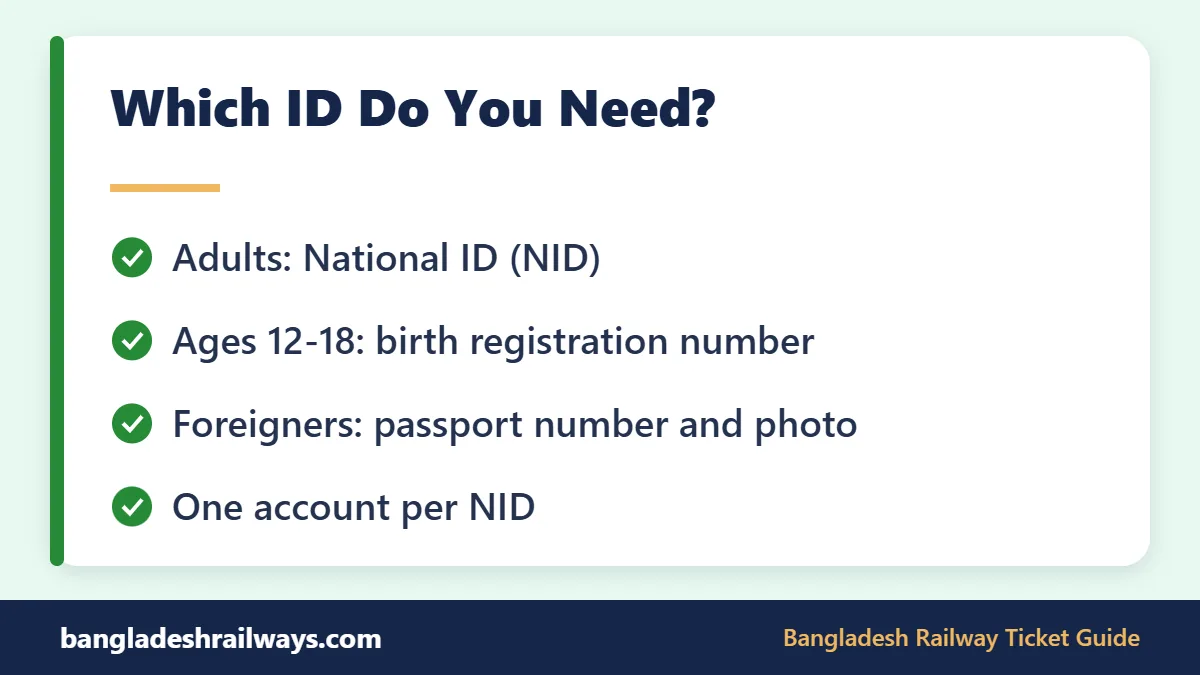
- Your ID card. NID for adults, birth registration certificate for ages 12 to 18, or passport for foreigners.
- Your exact date of birth as printed on that ID, not as you remember it.
- An email address. Online registration needs one, and your e-tickets are sent there.
- Your full name spelled the same way as on your ID.
- A clear photo or scan of your birth certificate or passport, if you are using those.
- A strong password that you do not use anywhere else.
Do this when the site is quiet, such as late evening. Avoid 8:00 AM, when thousands of people are trying to buy tickets at once. A calm Bangladesh Railway registration at night is much easier than a rushed one on booking day.
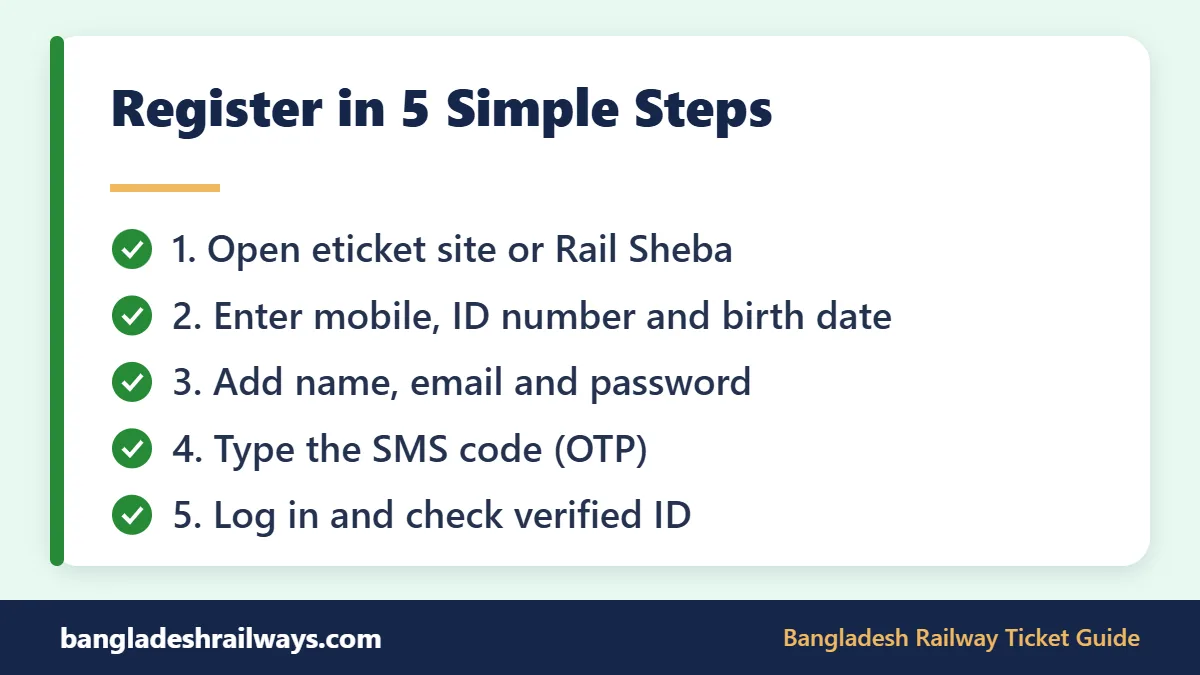
Railway Ticket Online Registration Step by Step
These are the steps on the official Bangladesh Railway e-ticket website. The screens have changed a few times since 2022, but every official guide we checked asks for the same core details.
- Type eticket.railway.gov.bd into your browser yourself. Do not use a link from SMS or Facebook.
- Click Register. It may also be labelled Sign Up or Create Account.
- Enter your mobile number.
- Choose your ID type and type the ID number carefully.
- Enter your date of birth exactly as it appears on the ID.
- Fill in your full name, email address and any other details the form asks for.
- Create a password and type it again to confirm.
- Submit the form. A verification code (OTP) is sent to your mobile by SMS.
- Type the code into the box before it expires.
- If an email arrives with a link, open it to finish the process.
- Log in with your mobile number and password, and check that your profile shows a verified ID.
That is all. Your railway ticket registration is permanent, so you do not repeat it for each trip. If your railway ticket online registration fails at the code step, see the error table further down.
If the form uses a calendar to pick your date of birth, check the year carefully. It is easy to tap the wrong year on a small phone screen.
Computer or Phone?
Both work. A computer makes it easier to read the form and upload a birth certificate or passport photo. A phone is handy because the SMS code arrives on the same device. Whichever you use, finish in one go, because the code is only valid for a short time.
Password Tips
The form shows its own password rules. To be safe, use at least 8 characters with capital and small letters, a number and a symbol. Do not use your phone number or date of birth. Save the password in a safe place, because you will need it quickly at 8 AM on booking day.
Why Exact Details Matter
Your NID is checked against the Election Commission database. If any detail does not match that record, verification fails. So always copy the details from the card, not from memory.
What to Do Right After Registering
- Log in once on the website and once in the app to make sure both work.
- Open your profile and check that your ID shows as verified.
- Save your password safely and keep your registered SIM active.
- Practise searching a route, so the screens feel familiar on booking day.
Bangladesh Railway Registration in the Rail Sheba App
Railway ticket online registration in the app works the same way as on the website. Install the official app from the Rail Sheba listing on Google Play or from the App Store. The developer must be “Bangladesh Railway”.
- Open Rail Sheba and tap Register or Sign Up.
- Enter your mobile number, ID number and date of birth.
- Add your name, email and a password.
- Type the code sent by SMS.
- Open any verification email you receive.
- Log in and check your profile.
The app and the website use the same account. If you registered on one, just log in on the other. You do not need a second Bangladesh Railway registration. Our Rail Sheba app guide shows how to download it safely and book your first ticket.
Registration for Ages 12 to 18 and for Foreigners
Teenagers with a Birth Certificate
The railway ticket online registration rules give passengers aged 12 to 18 two choices:
- Travel on a ticket bought from a parent’s or guardian’s NID-registered account.
- Open their own account using a birth registration number and an uploaded birth certificate.
Either way, they must carry a photocopy of the birth certificate on the train. Children aged 3 to 12 do not need their own account. They travel on a child ticket bought from an adult’s account, which is cheaper than the adult fare.
Railway Ticket Registration for Foreigners
For foreigners, railway ticket online registration uses the passport instead of an NID. Foreign nationals register with their passport number and upload a photo of the passport. Use the same name spelling as the passport, and carry the passport on every trip. Note that international Bangladesh-India trains such as Maitree, Bandhan and Mitali Express have been suspended, so check their status before planning a cross-border trip.
Old Accounts, SMS Registration and the One-Account Rule
If You Had an Account Before March 2023
Older users did not need a fresh railway ticket online registration. They only needed to log in, enter their NID number and date of birth, and click Verify. If the NID has not been used by another account, verification is done. Accounts from before the March 2022 system change did not move across, so very old users must register again.
Station Help Desks
When the rule started in 2023, the railway set up help desks at stations in divisional cities and at the starting stations of intercity trains. The minister also promised help for low-income passengers. Ask at your nearest major station whether help is still available.
SMS Registration
In 2023 the railway also allowed registration by SMS. You typed BR, a space, your NID or birth registration number, a space, and your date of birth, then sent it to 26969. At launch, SMS-registered users could buy only at counters, not online. Ask at a station whether this option still works.
Only One Account per NID
Since 2023, each NID can be linked to only one account. This stops people from opening many accounts to grab seats. If you already registered once, use that account. Do not try a second Bangladesh Railway registration with the same NID, because it will be rejected.
Common Railway Ticket Online Registration Errors and Fixes
Most failed railway ticket registration attempts come from small typing mistakes. A railway official said in 2023 that many people enter the wrong NID number or date of birth. Use this table to fix the usual problems.
| Problem | Likely cause | What to do |
|---|---|---|
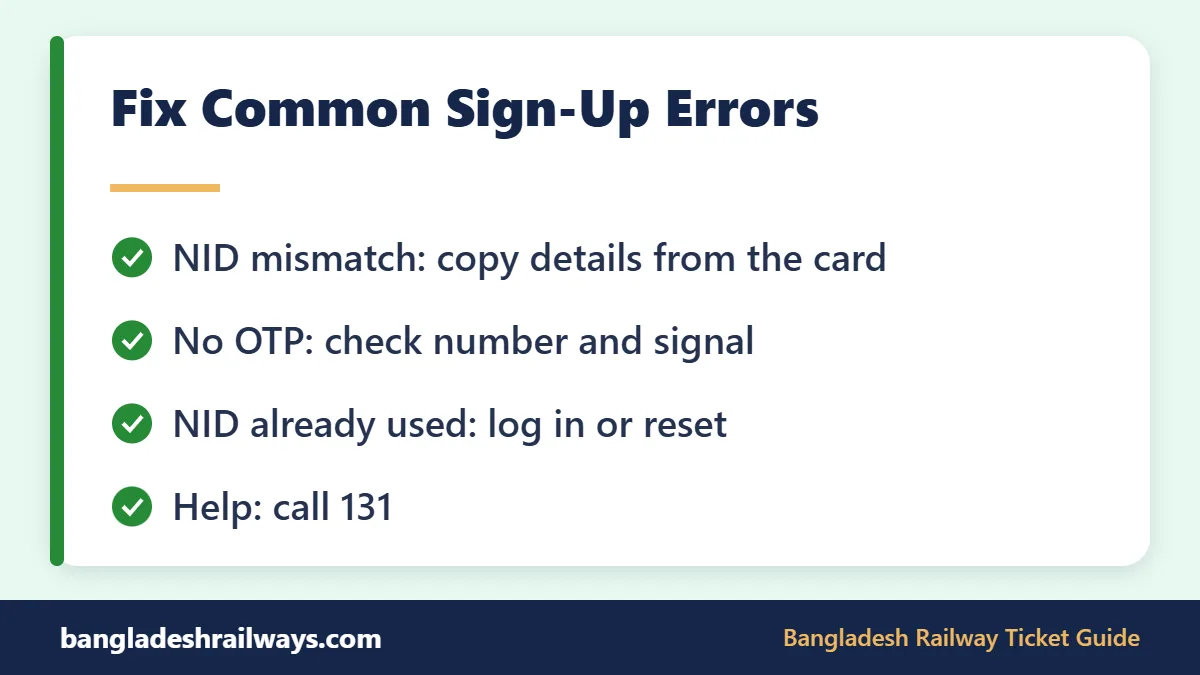
| NID and date of birth do not match | Typo, wrong date or wrong ID number | Copy the details from the card and try again |
| Details still rejected | Election Commission record differs from your card | Correct your record with the Election Commission first |
| OTP not received | Wrong number, weak signal or busy hour | Check the number, wait a few minutes, request one new code |
| NID already used | An account already exists for this NID | Log in to that account or reset its password |
| Someone else used my NID | A relative or shop registered it | Call 131 or email support with your NID details |
| Confirmation is slow | System still checking | Wait about 10 minutes before trying again |
| No verification email | Spam folder or typo in email | Check spam and correct the address |
| Cannot log in | Wrong login details | Use your registered mobile number and reset the password |
| Name looks different on ticket | Spelling not the same as the ID | Use the exact spelling on your ID when you register and book |
More Tips When the OTP Does Not Arrive
- Make sure the SIM with your registered number is in the phone and has signal.
- Clear space if your SMS inbox is full.
- Do not press “resend” again and again. Too many requests can slow things down.
- Try again outside busy hours, such as late evening.
How to Change Your Mobile Number or Other Details
After your railway ticket online registration, your mobile number matters a lot. Codes come to it, and the account holder must travel with the registered phone. So keep it up to date in your railway ticket registration profile.
- First, log in and open your profile to see which details you can edit.
- If you have lost the old SIM, try to recover it from your operator, so you can still receive codes.
- If you cannot change the number yourself, email [email protected] or call 131 with your NID details.
- Do not open a new account with the same NID. The one-account rule will block it.
We could not find a published step-by-step process from the railway for changing a registered number. Treat support as the safest route, and keep proof that the NID is yours.
Keep Your Railway Account Safe
Finishing your railway ticket online registration is only half the job. Keeping the account safe matters just as much. In October 2026, Bangladesh Railway told passengers never to share their password, OTP, NID details or other private information with anyone. It also said it is not responsible for losses, data misuse or account blocking caused by buying through unofficial websites, apps, Facebook pages or people.
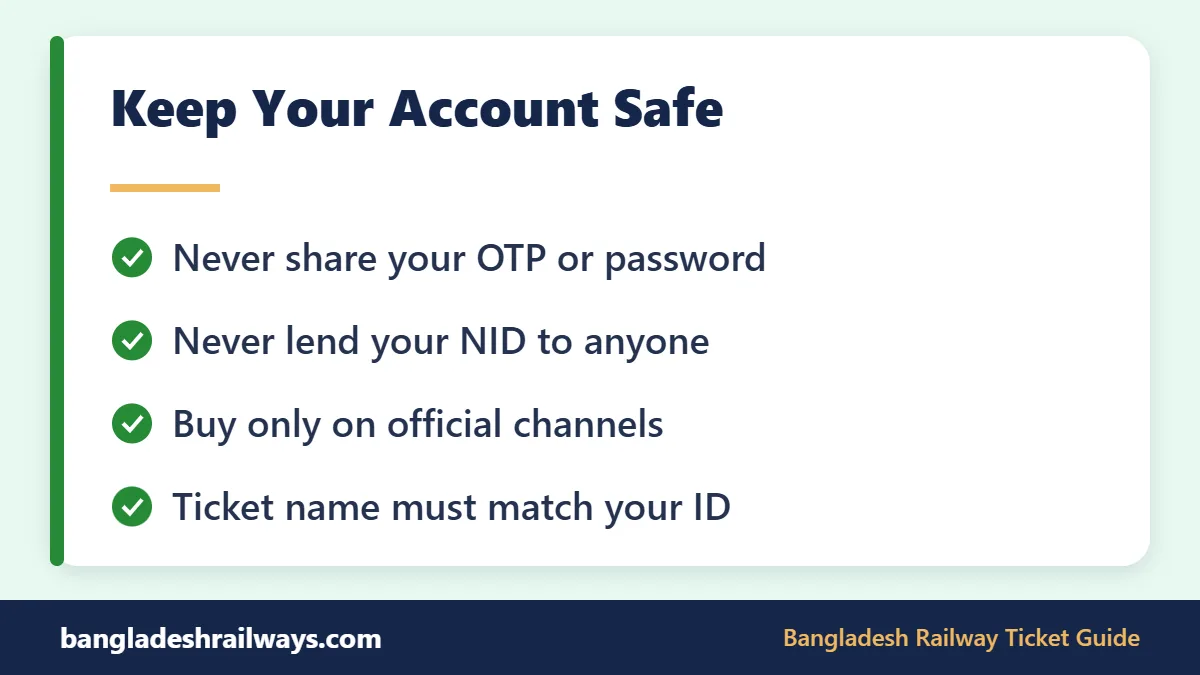
- Register yourself, or with a trusted family member. Do not hand your NID to a shop or “agent”.
- Never lend your NID to someone who wants to buy tickets.
- Never share the code sent to your phone.
- Buy only on the e-ticket website, in Rail Sheba or at authorised counters.
- Log out on shared computers.
Some people still believe Shohoz sells train tickets separately. It does not. Our guide to the Shohoz train ticket explains who runs the system and how scammers use the name.
Name checks are getting stricter. From 12 October 2026, Sylhet station began strict checks that ticket names match NID cards. Always buy in the real traveller’s name.
FAQs about Railway Ticket Online Registration
Is railway ticket online registration free?
Yes. Registration on the official website or app costs nothing. In 2023 some shops charged Tk 50 to 100 to register people, but you can easily do it yourself in a few minutes.
Can I register without an NID?
Adults need an NID. Ages 12 to 18 can use a birth registration number, and foreigners use a passport. Without one of these, you cannot buy an intercity ticket.
How many accounts can I open with one NID?
Only one. If you see an “already used” message, log in to your existing account or reset its password. Contact support if you never made that account. A second railway ticket registration with the same NID will not work.
Why is my OTP not coming during railway ticket online registration?
Check that you typed the right number, that the SIM has signal, and that your SMS inbox has space. Wait a few minutes before asking for a new code, and avoid the busy 8 AM hour.
Can I buy tickets for my family after railway ticket online registration?
Yes, up to 4 seats per booking. You must enter each companion’s name, and you, as the account holder, must travel with them. Carry the registered phone and a photo ID.
Do I need a separate railway ticket registration for the Rail Sheba app?
No. The website and the app share one account. Register once and log in on either with the same mobile number and password.
Conclusion
Railway ticket online registration takes only a few minutes, and you do it once. Keep your ID, mobile number and email ready, copy your details exactly from the card, and protect your password and OTP. Then you are ready to book at 8 AM. Try it on a long route such as our Dhaka to Khulna train schedule.
For more help, visit our Bangladesh Railway ticket guide or read how to buy a Bangladesh Railway ticket online step by step. Official notices are posted on the Bangladesh Railway website. Happy travels!
Last checked: October 2026. Train times and fares can change. Always confirm on the official Bangladesh Railway e-ticket website before you travel.
2 Comments