
Rail Sheba App 2026: Download, Login, Booking & Error Fixes
The Rail Sheba app is the official Bangladesh Railway app for booking intercity train tickets on your phone. You can search trains, pick your seats, pay with bKash, Nagad or a card, and keep your e-ticket in one place.
This guide shows you how to download the right app, log in, book, pay and save your ticket. It also explains the errors people hit at 8 AM, how refunds work, and how to avoid fake apps that steal money. We checked every detail again in October 2026.
Quick answer: Rail Sheba is Bangladesh Railway’s own railway ticket app for Android and iPhone. Download it only from Google Play or the App Store, where the developer is “Bangladesh Railway”. Log in with your registered mobile number and password, search your route, choose seats, pay before the timer ends, and download the e-ticket from Purchase History.
Rail Sheba App at a Glance
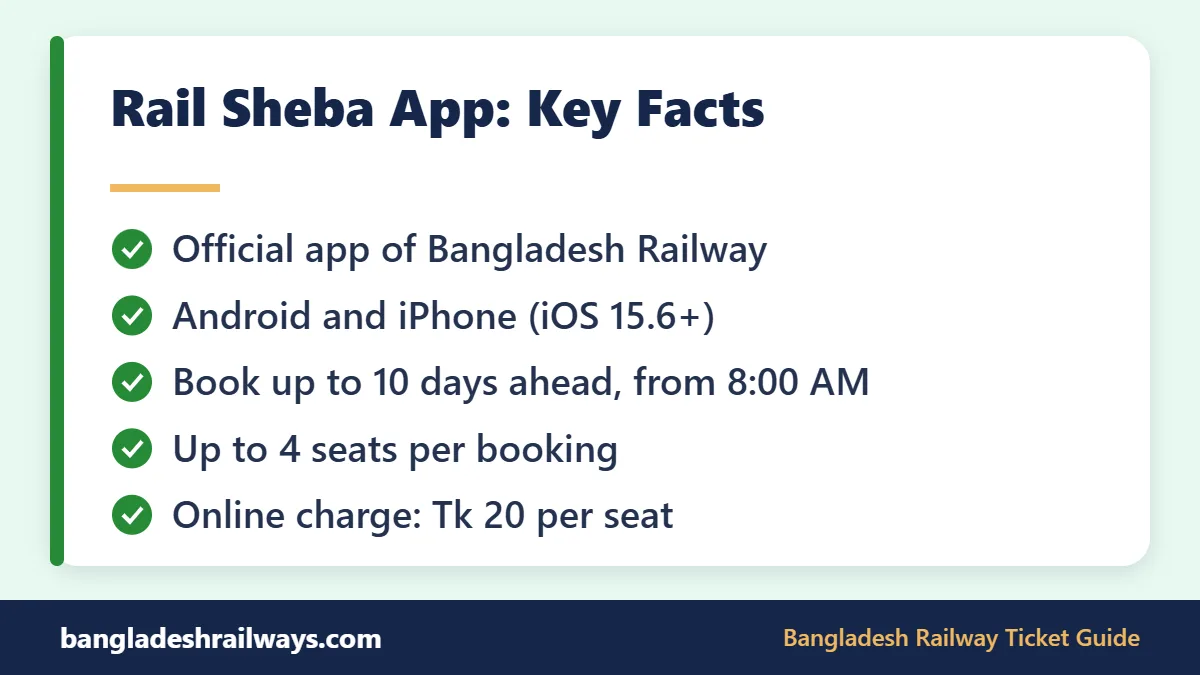
Here are the key facts about the app, taken from its official store pages and Bangladesh Railway notices in October 2026.
| Detail | Information |
|---|---|
| Owner | Bangladesh Railway (developer name on both app stores) |
| Built and run by | The joint venture led by Shohoz that runs the railway’s e-ticketing system |
| Phones | Android (Google Play) and iPhone (App Store) |
| Price | Free to download |
| Android downloads | 5 million+ |
| Google Play rating | 4.2 from about 16,900 reviews |
| iPhone needs | iOS 15.6 or later, about 30 MB of space |
| Same account as | The e-ticket website, eticket.railway.gov.bd |
| Booking window | Up to 10 days before travel; sales open at 8:00 AM |
| Seats per booking | Up to 4 |
| Online charge | Tk 20 per seat |
| Support email | [email protected] |
Ratings and download numbers change all the time, so treat them as a snapshot. The booking rules, however, are the same in the app and on the website. If a Bangladesh Railway app listing you find does not match these basic facts, do not install it.
Is the Rail Sheba App Official? A Short History
Yes. Bangladesh Railway’s own website links straight to the Rail Sheba listing on Google Play. On both Google Play and the App Store, the developer name is “Bangladesh Railway”. A railway notice in October 2026 also named the app as one of only three official ways to buy tickets. The other two are the e-ticket website and authorised station counters.
The name is older than the current app. Bangladesh Railway first launched a Rail Sheba app at Kamalapur station in April 2019. At that time another company, CNS, ran online ticketing. In March 2022 a joint venture led by Shohoz, with Synesis IT and Vincen, took over the system.
Bangladesh Railway launched a new Rail Sheba app for Android, built by that operator, on 22 June 2022. The iPhone version came to the App Store in May 2024. So if you remember a 2019 app, that old version is gone. Today’s Bangladesh Railway app is tied to eticket.railway.gov.bd, and one login works on both.
How to Download the Rail Sheba App Safely
Most money lost on train tickets starts with the wrong app or a fake page. Take one minute to check the listing before you install anything.
On Android
- Open the Google Play Store.
- Search for “Rail Sheba”.
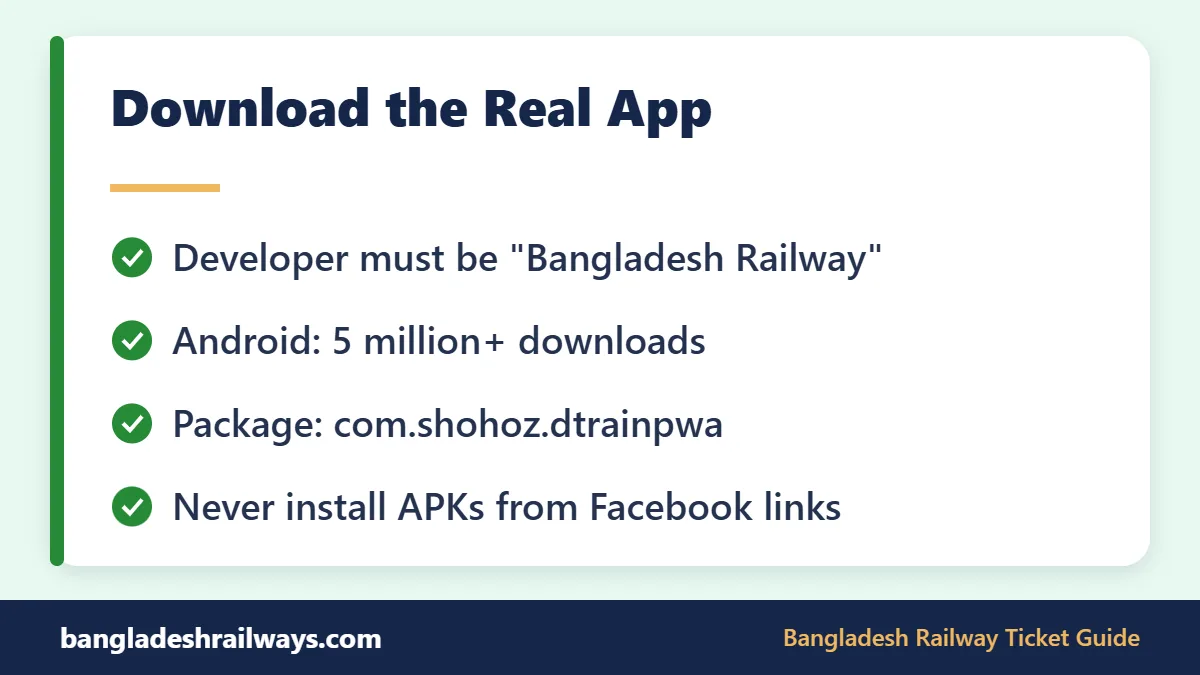
- Check that the developer shows “Bangladesh Railway” and the listing has 5 million+ downloads.
- Tap Install. You can also open the official Rail Sheba listing on Google Play directly.
- Open the app and allow notifications if it asks.
On iPhone
- Open the App Store and search for “Rail Sheba”.
- Check that the seller is “Bangladesh Railway”.
- Make sure your phone runs iOS 15.6 or later.
- Tap Get, or use this link to Rail Sheba on the App Store.
Tip: the real Android app has the package name com.shohoz.dtrainpwa. You can see it at the end of the Play Store web address. If someone sends you an APK file with a different name, delete it. Never install a railway ticket app from a Facebook post or a random website.
Phone Settings That Help
- Keep some free storage space so updates install without errors. The iPhone app alone is about 30 MB.
- Turn on automatic updates for the Bangladesh Railway app in your store settings.
- Switch off battery saver while you book, so the app is not paused in the background.
- Make sure your SIM with the registered number is active and has signal.
- Keep your mobile wallet app updated too, because payment opens inside it.
Rail Sheba App Features
The app does the same core jobs as the website, but in a phone-friendly layout. Here is what you get.
| Feature | What it does for you |
|---|---|
| Train search | Finds trains by from station, to station, date and seat class |
| Seat map | Lets you pick exact seats from a coach layout |
| Online payment | Pay by bKash, Nagad, Rocket, Upay or card |
| E-ticket | A PDF ticket is emailed to you and saved in your account |
| Purchase History | Shows past trips and lets you download tickets again |
| Online refund | Cancel an online ticket and get money back to the same payment method |
| One account | Uses the same login as the e-ticket website |
The store listing also says no user data is shared with third parties, data is encrypted in transit, and you can ask for your data to be deleted. For tracking a running train, the simplest tool is still SMS: type TR, a space and the train number, then send it to 16318.
An unofficial railway ticket app cannot offer any of this safely. Only the official system can see real seat stock, take payment for Bangladesh Railway and issue a ticket that passes checks on the train.
How to Create an Account and Log In
You need one account to buy tickets. It is the same account you use on the e-ticket website. If you already have one, simply log in with your mobile number and password.
New users tap Register (or Sign Up) and fill in a short form. You will be asked for:
- Your name, as it appears on your ID
- A mobile number that you use every day
- An email address, where your tickets will arrive
- An ID number: NID for adults, birth registration number for ages 12 to 18, or passport for foreigners
- Your date of birth, exactly as it is on that ID
- A strong password
A verification code is sent to your phone to confirm the number. Since 1 March 2023, nobody can buy an intercity ticket without a verified ID. In early 2023 the railway also limited each NID to one account, so do not create a second one.
If the code does not come or your NID will not verify, see the error table further down. Most problems come from a mistyped date of birth or a weak mobile signal.
How to Book a Train Ticket in the Rail Sheba App
Booking takes about two minutes once you know the screens. Follow these steps.
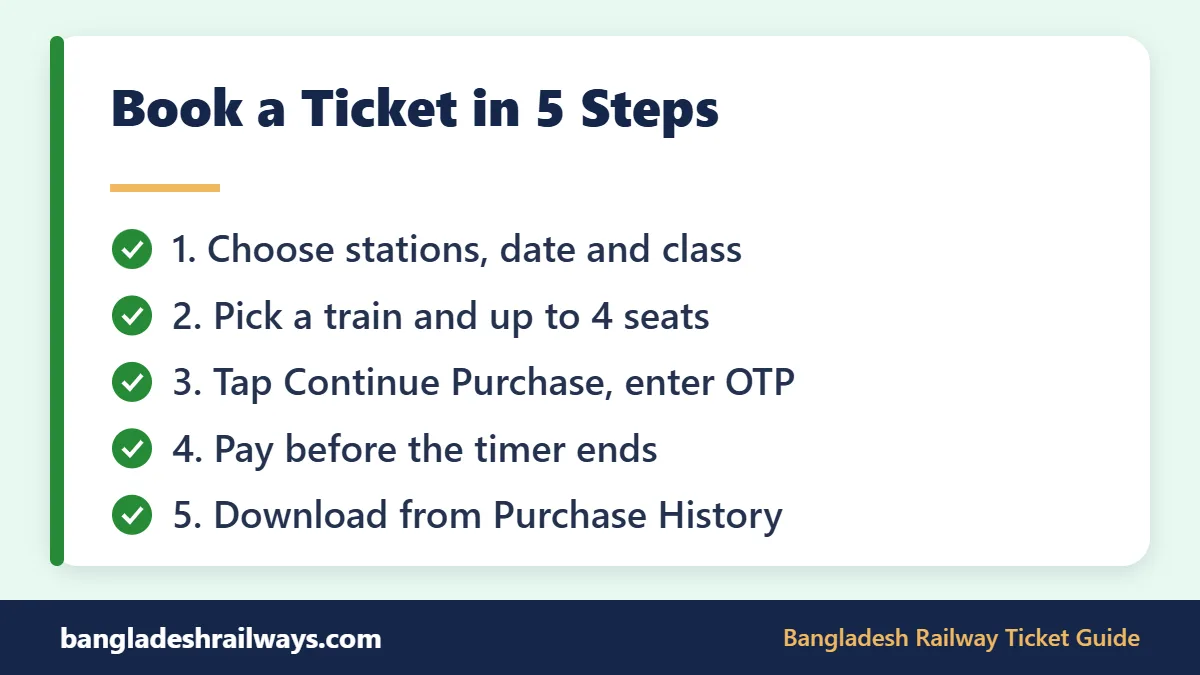
- Log in a few minutes before 8:00 AM if you are travelling on a busy day.
- Choose your From station, To station and journey date. You can book up to 10 days ahead.
- Pick a seat class, such as Shovan Chair, Snigdha or AC Seat, and tap search.
- Look at the train list. Each train shows its departure time and the seats left in each class.
- Choose a train and class, then pick seats on the coach map. You can take up to 4 seats.
- Enter the names of everyone travelling with you.
- Check the total. It is the fare plus Tk 20 per seat for online booking.
- Tap Continue Purchase. A one-time password (OTP) goes to your registered mobile. Type it in.
- Pick bKash, Nagad, Rocket, Upay or card, and pay before the on-screen timer ends.
- Your e-ticket is emailed and also appears in Purchase History.
Want to practise on a short route first? Our Dhaka to Narsingdi train schedule and Dhaka to Brahmanbaria train schedule list train numbers and times you can search in the app.
Tips to Get a Seat at 8 AM
- Decide your train, class and back-up train the night before.
- Log in by 7:50 AM and stay on the search screen.
- Keep enough balance in bKash, Nagad, Rocket or Upay to cover every seat.
- Book on Wi-Fi or a strong mobile signal, not a weak one.
- If one class is gone, check another class on the same train at once.
- For short trips, a non-peak train often still has seats later in the day.
These small steps matter because the official railway ticket app and the website share the same seat stock. Every second you save at checkout helps.
Payment Options in the Rail Sheba App
The app accepts the main mobile wallets and cards. Keep your wallet balance ready before 8 AM, because the payment timer is short. If the timer runs out, you can lose the seats you picked and must start again.
Download and Carry Your E-Ticket
Open Purchase History and download the PDF. Keep it on your phone and, if you like, print a copy. The person whose ID bought the ticket must travel with the ticket, the registered mobile phone and a valid photo ID.
The name on the ticket must match the ID you carry. In October 2026, Sylhet station began strict name checks against NID cards, so this rule is being enforced.
Rail Sheba App vs the E-Ticket Website
Both use the same system and the same account. Your choice depends on your device and your plan for the 8 AM rush.
| Point | Rail Sheba app | eticket.railway.gov.bd |
|---|---|---|
| Device | Android or iPhone | Any browser, phone or computer |
| Account | Same login | Same login |
| Seat map | Yes | Yes |
| Payment | bKash, Nagad, Rocket, Upay, card | Same options |
| Ticket download | Purchase History in the app | Purchase History on the site |
| Best for | Quick booking on the move | Printing tickets and as a backup |
Many regular travellers use the Bangladesh Railway app for daily booking and the website only when they need to print. Either way, the ticket is the same.
A smart trick is to keep both ready. If the app freezes at 8:00 AM, switch to the official Bangladesh Railway e-ticket website in your browser and log in with the same details. Never try to pay twice for the same seats.
Common Rail Sheba App Errors and Fixes
Most problems happen during peak sales. News reports from 2026 describe slow servers and tickets selling out within minutes. These fixes solve the usual issues.
| Problem | Likely cause | What to try |
|---|---|---|
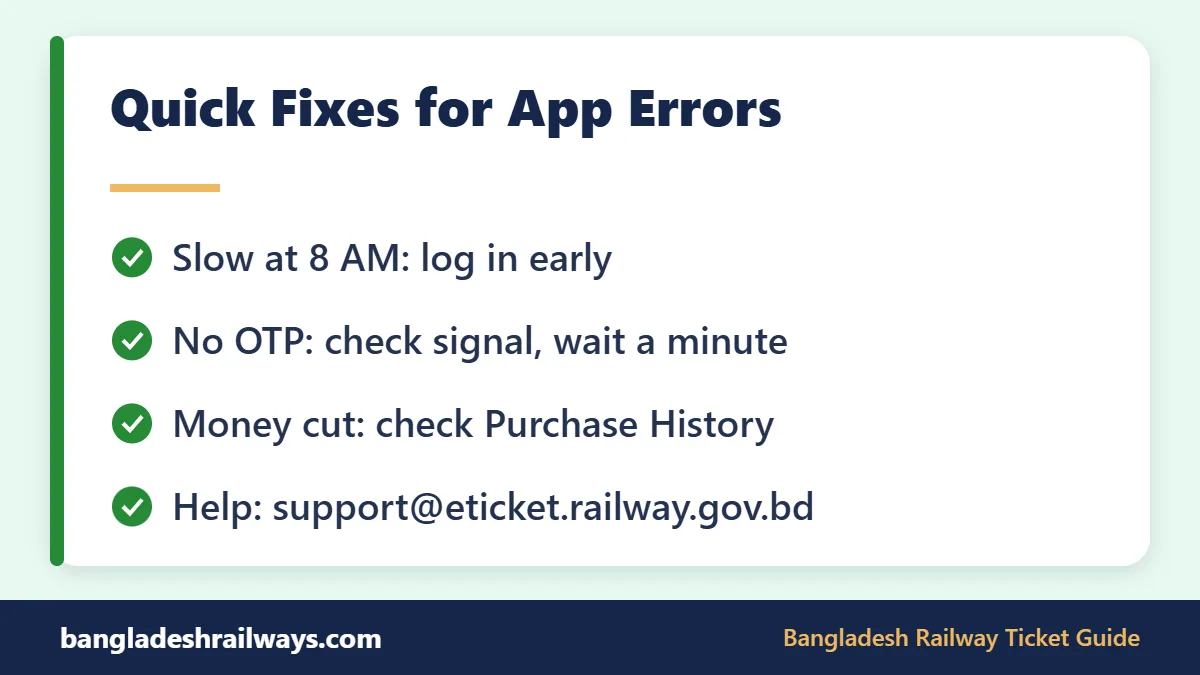
| App keeps loading at 8 AM | Huge traffic | Log in early, keep the app open, use the website as backup |
| OTP does not arrive | Network delay or wrong number | Check your signal, wait a minute, then request one new code |
| “Force update” message | Old app version | Update from Google Play or the App Store, then restart |
| Cannot log in | Wrong password or number | Use your registered mobile number and reset the password |
| Money cut, no ticket | Timer ended or payment delay | Check Purchase History, do not pay again, contact support with the transaction ID |
| Ticket email missing | Spam folder or typo in email | Download the ticket from Purchase History |
| No seats shown | Sold out for that class | Try other classes and trains, or check again later for returned seats |
For help, email [email protected] or call the railway hotline 131. Keep your transaction ID, mobile number and journey details ready. Some iPhone users have reported repeated update prompts, so a clean reinstall from the App Store can help.
How to Spot a Fake Railway Ticket App
Bangladesh Railway warned in September 2025 about fake ticket sellers on social media. Scammers took payments by bKash or Nagad, then switched off their SIM cards. In October 2026 the railway repeated that it is not responsible for losses from unauthorised websites, apps or Facebook pages. Watch for these warning signs:
- The developer is not “Bangladesh Railway”.
- The app comes as an APK file from a website, WhatsApp or Facebook link.
- It asks you to send money to a personal bKash or Nagad number.
- It promises a “guaranteed” Eid ticket or charges an extra fee.
- Someone calls and asks for your OTP, password or NID details.
- Lookalike apps on APK sites mix “Rail Sheba” with words like “BD” or “Shohoz Train”. Check the developer name, not the title.
The real Rail Sheba app never needs you to share your OTP with anyone. Railway staff will not ask for it either. If you see a group selling tickets, report it to railway officials or call 131.
Refunds and Cancellations in the Rail Sheba App
Since 1 March 2023, you can cancel an online ticket and get a refund without going to a station. The money goes back to the same payment method you used.
- Refunds are allowed until 6 hours before departure.
- The deduction grows as departure gets closer, from a flat Tk 25 to 40 up to 75% of the fare.
- In recent Eid seasons, Eid advance and return tickets were announced as non-refundable.
- You cannot change the date or the name. Cancel and buy a new ticket instead.
To cancel, log in, open the refund option for that ticket in your account, and follow the steps. Check the refund amount shown before you confirm.
FAQs about the Rail Sheba App
Is the Rail Sheba app free?
Yes. The app is free to download on Google Play and the App Store. You only pay the train fare plus Tk 20 per seat as the online service charge. Counter tickets have no service charge.
Can I use the Rail Sheba app on an iPhone?
Yes. The iPhone version has been on the App Store since May 2024. It needs iOS 15.6 or later. Check that the seller is “Bangladesh Railway” before you install it. Updates with security and bug fixes have followed since, including one in September 2025.
Why can I not get tickets at 8 AM?
Thousands of people try to book the same trains at the same moment. Log in before 8:00 AM, keep your wallet ready, and choose your train and class in advance. If the app is slow, try the website with the same login.
Can I buy a ticket for my family in the app?
Yes, up to 4 seats per booking. You must enter each companion’s name. The account holder whose ID bought the tickets must travel with them, carrying the registered phone and a photo ID.
Is the Rail Sheba app run by Shohoz?
The app belongs to Bangladesh Railway. It is built and run by the Shohoz-led joint venture that operates the railway’s e-ticket system. Your ticket is still a Bangladesh Railway ticket, sold under railway rules. There is no separate Shohoz railway ticket app you need to install.
Where do I find my ticket after paying in the Rail Sheba app?
Check your email first. You can also open Purchase History in the app and download the PDF at any time. If neither shows the ticket, contact support before paying again.
Conclusion: Use the Rail Sheba App the Smart Way
The Rail Sheba app is the fastest way to buy a Bangladesh Railway ticket from your phone. Install it only from Google Play or the App Store, check the developer name, and log in before 8 AM on busy days. Keep the website ready as a backup, and never share your OTP. A good railway ticket app only helps if your account, wallet and travel plan are ready too.
For train times, fares and route tips, visit our Bangladesh Railway ticket guide. If you are new to booking, our page on how to buy a Bangladesh Railway ticket online is a good place to start. Safe travels!
Last checked: October 2026. Train times and fares can change. Always confirm on the official Bangladesh Railway e-ticket website before you travel.
7 Comments